Attention: Here be dragons
This is the latest
(unstable) version of this documentation, which may document features
not available in or compatible with released stable versions of Godot.
Checking the stable version of the documentation...
Hotspot
См. также
Please see the sampling profiler instructions for more information.
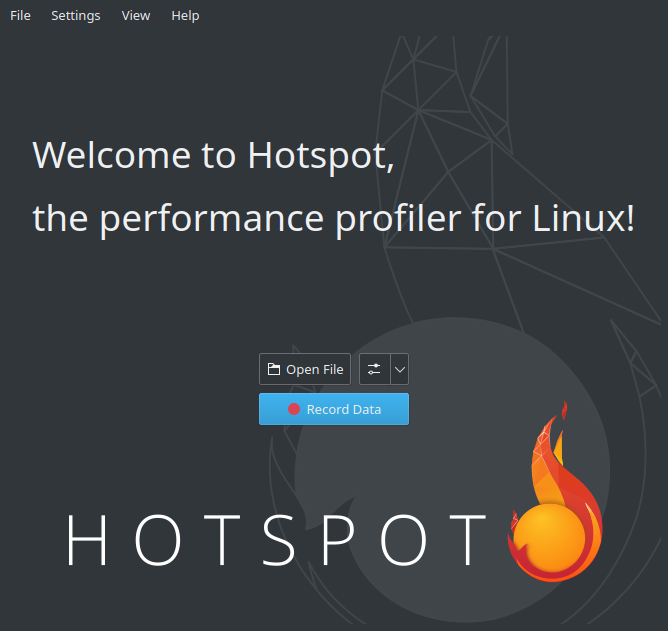
Open Hotspot. Click Record Data:
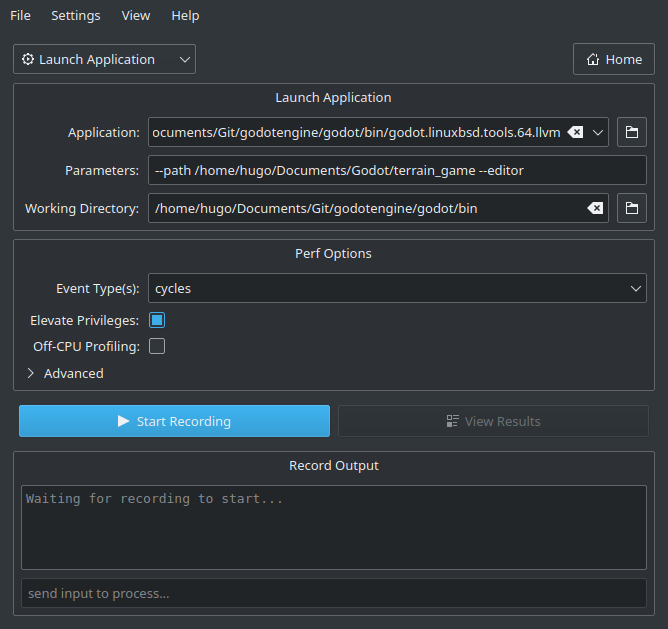
В следующем окне укажите путь к исполняемому файлу Godot, включающему отладочные символы.
Укажите аргументы командной строки для запуска определенного проекта, с редактором или без него.
The path to the working directory can be anything if an absolute path is used for the
--pathcommand line argument. Otherwise, it must be set so that the relative path to the project is valid.Make sure Elevate Privileges is checked if you have administrative privileges. While not essential for profiling Godot, this will ensure all events can be captured. Otherwise, some events may be missing from the capture. Your settings should now look something like this:
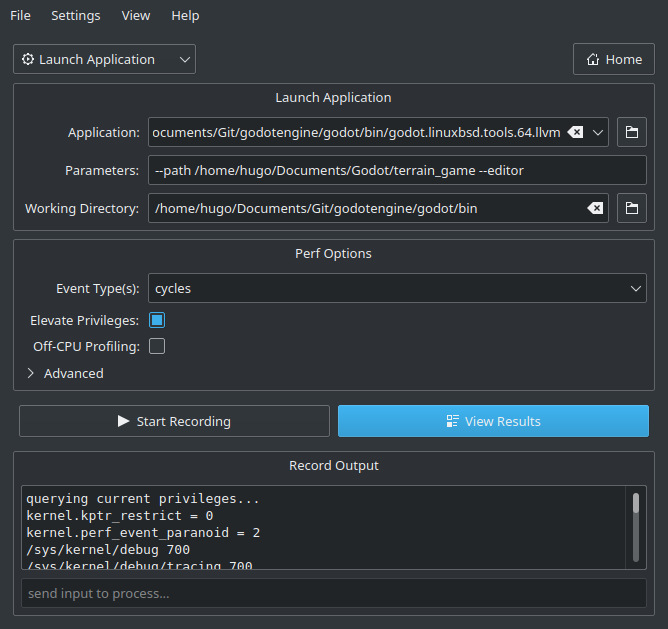
Нажмите Start Recording (Начать запись) и выполните действия, которые вы хотите профилировать в редакторе/проекте.
Quit the editor/project normally or use the Stop Profiling button in Hotspot to stop profiling early. Stopping profiling early can result in cleaner profiles if you're not interested in the engine's shutdown procedure.
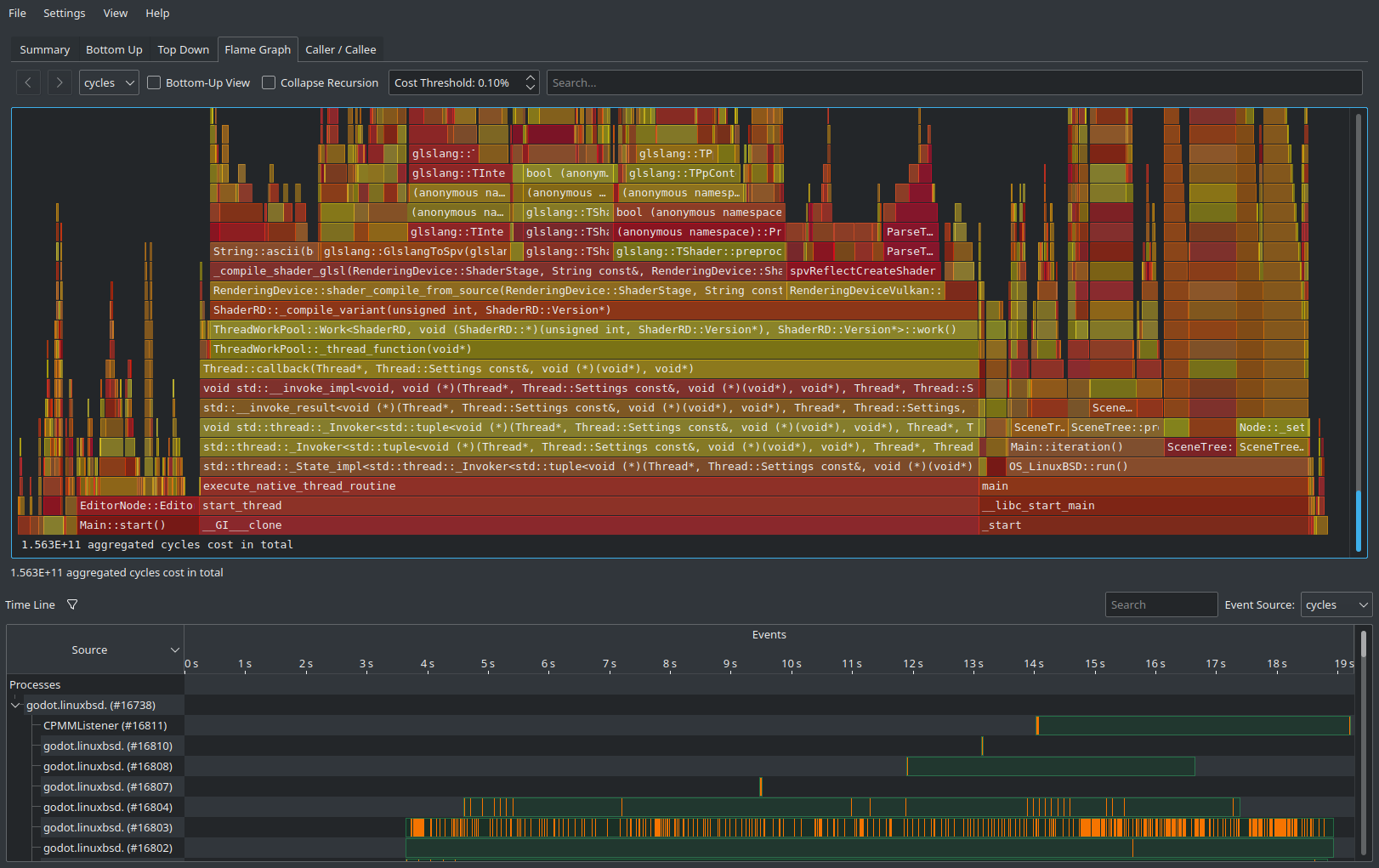
Нажмите View Results (Просмотреть результаты) и дождитесь создания визуализации профилирования:
Используйте вкладки в верхней части экрана для навигации между различными представлениями. Эти представления отображают одни и те же данные, но по-разному. Вкладка Flame Graph — хороший способ быстро увидеть, какие функции занимают больше всего времени. Поэтому эти функции наиболее важны для оптимизации, поскольку их оптимизация максимально повышает производительность.
At the bottom of all tabs except Summary, you will also see a list of CPU threads started by the engine along with the CPU utilization for each thread. This lets you see threads that can be a bottleneck at a given point in time.
Примечание
If you don't want the startup procedure to be included in the profile, you can also attach Hotspot to a running process by clicking Record Data then setting the Launch Application dropdown option to Attach To Process(es).
Этот рабочий процесс, основанный на вложениях, похож на тот, который используется в VerySleepy.